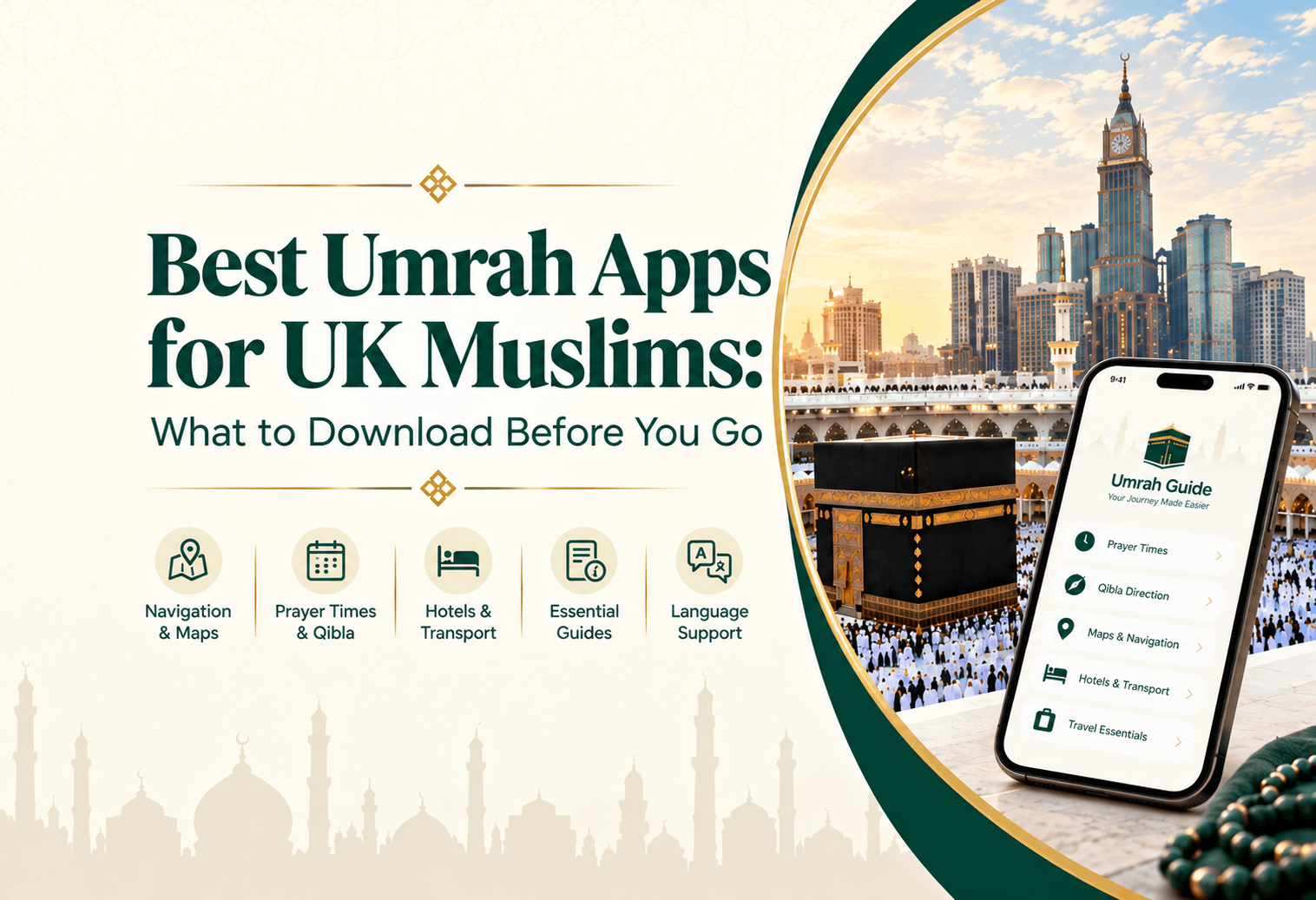
Planning Umrah from the UK? Discover 12 essential apps, from Nusuk to offline maps, plus a phone checklist so you arrive prepared. By Al Hijaz Tours.
Before setting off for Umrah, you’ve probably thought about your flights, accommodation, passport, and what to pack. But have you thought about preparing your phone for your time in Saudi Arabia? From finding your hotel after prayer to checking local prayer times, translating Arabic, and keeping your travel bookings close at hand, the right apps save you a lot of hassle.
Getting these apps ready before leaving the UK means you can spend less time figuring out everyday tasks once you arrive and more time focusing on your pilgrimage.
At Al Hijaz Tours, we want you to feel ready for the journey ahead, so we’ve listed the apps our pilgrims find most useful. It explains how each of these apps can help and shares a practical checklist of essentials to sort out before you go. If you’re travelling from the UK and wondering which Umrah apps to download, start here.
Nusuk is the official platform of the Saudi Ministry of Hajj and Umrah, and no pilgrim can travel without it.
Your Umrah visa lets you into Saudi Arabia, but it does not get you into Masjid al-Haram. For that you need an Umrah permit: a timed slot booked through Nusuk for your Tawaf and Sa'i. Staff scan the permit's QR code at the gates, and they can turn away pilgrims without one, even with a valid visa.
Nusuk also handles your Rawdah appointment at Masjid an-Nabawi in Madinah. Slots go quickly in Ramadan, school holidays and December, so book as soon as your dates are confirmed.
How to set up Nusuk before you fly:
If you book with a tour operator, ask which permits they arrange and which you need to book yourself. Never assume it's been done for you.
Tawakkalna is the Saudi government's official services app, and visitors on Umrah visas can register with their passport. Permits issued through Nusuk also appear in your Tawakkalna wallet, so you have a second place to find them if one app plays up.
It also shows Umrah-related guidance, including crowd information for the holy mosques, which helps you choose quieter times.
How to set it up: Download Tawakkalna, tap Register, choose Visitor, then enter your passport number, nationality, date of birth and mobile number. Do this at home, where you can receive the verification code without delay.
Masjid al-Haram has dozens of gates, and after a crowded prayer they all look alike. Walk out of the wrong one and you can end up a long way from your hotel, in a crowd of thousands, with a weak signal.
The fix takes two minutes: search for the gate nearest your hotel (e.g., King Fahd Gate or King Abdulaziz Gate) and save it as a pin next to your hotel. Note the gate number too, because gates are numbered as well as named. Do the same for Masjid an-Nabawi in Madinah.
How to download offline maps:
Mobile signal around the Haram can drop sharply at prayer times, when huge numbers of people are on the same network. Offline maps keep working when it does.
Here's something many UK travellers miss: your phone won't switch your prayer reminders to Saudi timings by itself. The times you use in Birmingham or London will be wrong once you land.
Muslim Pro (or Athan Pro, if you prefer) uses your location to show accurate local prayer times. Its Qibla compass is useful in hotel rooms where the direction isn't marked.
Set it up correctly:
Carrying a printed book through Tawaf is awkward, so most pilgrims read from their phone. Quran.com gives you the full Arabic text, English translation, and recitations from well-known reciters.
For the duas of Tawaf, Sa'i and the Rawdah, keep a dua list on your phone with Arabic text, transliteration and English meaning. You can also use our Umrah dua list.
Download recitations and save your dua list as a file or screenshot, so everything opens instantly in the crowds.
Menus, pharmacy labels and hotel notices are often in Arabic only. Google Translate's camera feature lets you point your phone at Arabic text and see the English on screen. It’s especially handy at a pharmacy, so you can be sure you're buying the right medicine.
You can also type or speak a short sentence, such as asking a driver to take you to a specific gate, and show them the Arabic.
Set it up: Open the app, go to Downloaded languages and add Arabic. Translation then works without mobile data, including the camera.
This is the one that catches UK pilgrims out most often. WhatsApp messages work normally in Saudi Arabia, but WhatsApp voice and video calls are unreliable on local Saudi SIM cards. They have switched on and off over the years, without an official announcement either way.
To be sure you can always reach family:
Tip: Make a test call to family on your first evening, so you know what works before you need it. Around the Haram at peak prayer times, voice notes and messages get through more reliably than calls.
Asefni is the Saudi Red Crescent Authority's official emergency app. It lets you request an ambulance by call or message and shares your exact GPS location with the emergency team, which matters when you can't explain where you are in an unfamiliar city. It works in several languages, including English.
It's worth installing on the phone of anyone travelling with older parents or a health condition.
Emergency numbers to save: 997 for an ambulance and 911 for emergencies in Makkah and Madinah. Save them on paper as well as in your phone.
Card and contactless payments are accepted in most hotels, shops and restaurants, so your phone's wallet will cover a lot of your spending. Keep some riyals for small stalls, taxis without card machines and tips.
With your booking loaded, your airline's app lets you check in, see schedule changes and keep your boarding pass on your phone. Save the boarding pass to your phone's wallet so it opens at the gate without signal.
After a long day of worship, it’s nice to have a meal brought to your hotel. HungerStation and Jahez are widely used Saudi delivery apps. Save your hotel address in advance so you can order in seconds on a tiring evening.
Leaving everything to the night before is the most common mistake we see. Spread it out like this.
3–4 weeks before you fly
1 week before
The night before
On your first day in Saudi Arabia
Many UK families travel for Umrah with elderly parents, who may not be comfortable with apps. A little extra preparation helps:
Phones get lost and batteries run out, so keep a few paper backups.
This guide is intended to help you prepare for your journey. App features and Saudi requirements are updated from time to time, so we recommend downloading each app yourself and checking the latest details on the official app stores and Saudi government channels before you travel.
A little preparation at home means you can arrive relaxed and spend your time on worship. At Al Hijaz Tours, we take care of the rest, with ATOL-protected Umrah packages that include your flights, accommodation close to the Haram, and transport throughout your stay.
If you’re planning your Umrah journey from the UK, speak to our UK experts to find your ideal Umrah package. We’ll manage all the details, so you can focus only on your pilgrimage.
Essentials include Nusuk for your Umrah permit, Google Maps with offline maps, Careem for taxis, a prayer app like Muslim Pro, Google Translate, and a reliable way to call home. Add the HHR Train app if you're travelling between Makkah and Madinah.
Yes, for most pilgrims. You need an Umrah permit booked through Nusuk to enter Masjid al-Haram for Umrah; your visa alone isn't enough. Rawdah visits in Madinah are booked through Nusuk too.
Yes. UK citizens need both a valid visa to enter Saudi Arabia and a Nusuk Umrah permit to perform Umrah at Masjid al-Haram. Book the permit before you arrive in Makkah.
No. Nusuk is the platform for Umrah and Hajj bookings and permits. Tawakkalna is the Saudi government's broader services app, where Nusuk-issued permits also appear.
WhatsApp messaging works normally, but voice and video calls are unreliable on local Saudi SIM cards. FaceTime and a travel eSIM are good backups. Test your calls on your first day.
Some do. Google Maps (with offline maps), Google Translate (with Arabic downloaded) and downloaded Quran content work offline. Nusuk bookings, Careem and calls need a connection, so screenshot your permit and ticket QR codes.
Usually not, Saudi Arabia uses the same three-pin Type G sockets as the UK, so your UK chargers fit. Some older hotels also have other socket types, so a small universal adaptor is a useful backup.
Dial 997 for an ambulance and 911 for emergencies in Makkah and Madinah. The Saudi Red Crescent's Asefni app can also send your location to emergency teams.
Talk to our travel specialists and get the best available options tailored for you.
Get Started